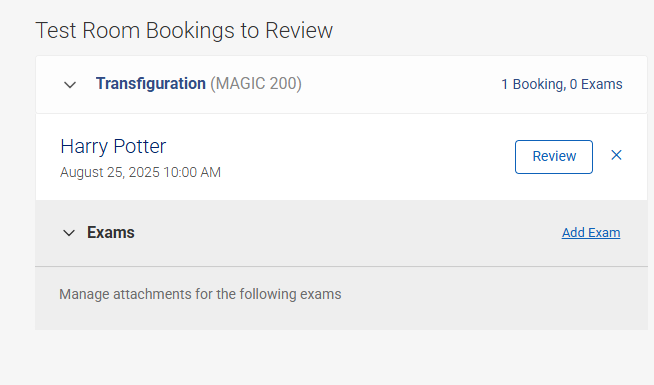
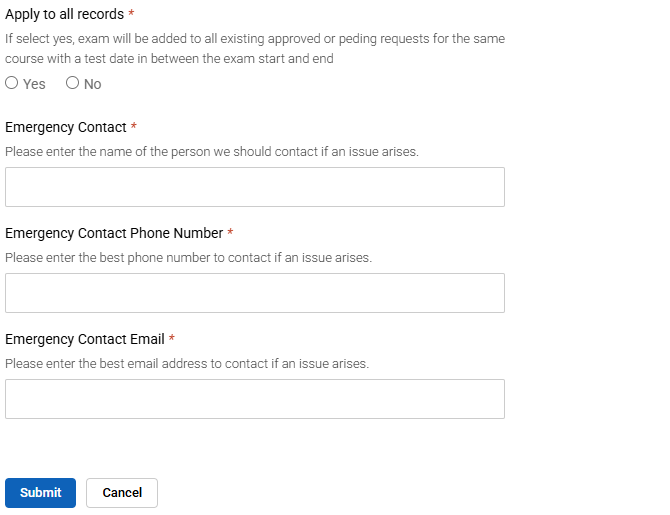
Step One🔐 Sign in to AccommodateNext, click Testing Room BookingsSelect your course.Locate your student’s name and click Add Exam Step Two📝 Fill Out the Exam FormComplete all required fields in the form. Step Three📞 Add Your Contact InformationPlease include your contact details so we can reach you if any questions come up during the exam. Step Four✅ Review & SubmitDouble-check all entered information.Click SubmitReturn to your dashboard by selecting Return to Home